-5% on your 1st eSIMuntil October 31
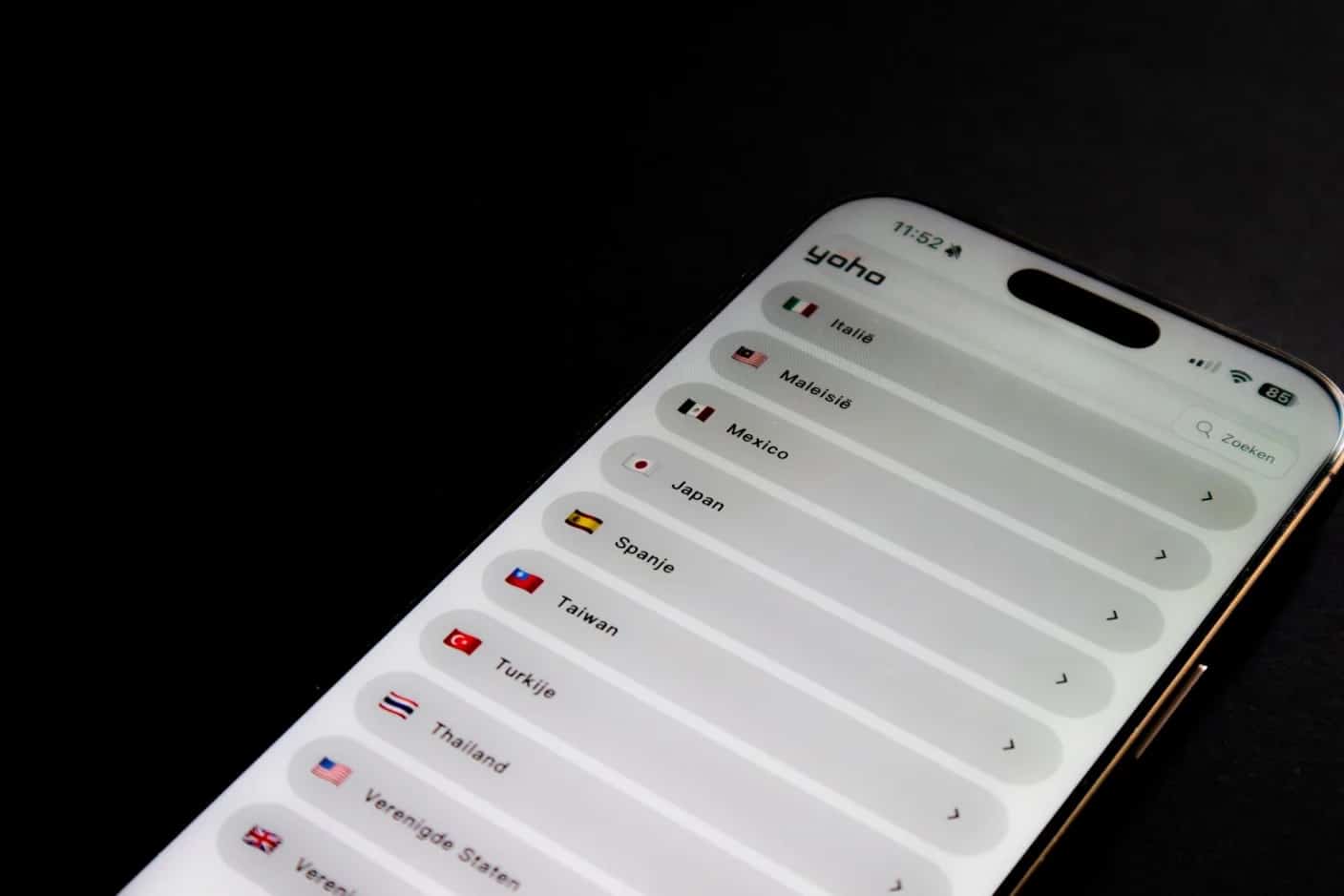
Every iPhone from the XS and XR onward is a dual SIM iPhone: it runs two lines at once, either a nano-SIM plus an eSIM or, from the iPhone 13, two eSIMs. To use it, add the second line in Settings > Cellular, turn both lines on, then choose which one carries mobile data under Cellular Data. Both numbers stay reachable for calls and texts.
For a trip, the useful setup is your home number on one line and a data-only travel eSIM from Simsima on the other. Your bank codes and calls keep arriving on your usual number, and the travel line handles the internet.
Key takeaways
- Dual SIM works on iPhone XS, XS Max, XR and every later model; two eSIMs at once need an iPhone 13 or later (or iPhone SE 3rd generation)
- US models from the iPhone 14 have no SIM tray, and the iPhone Air is eSIM-only in every country
- Both lines receive calls and messages, but only one line uses cellular data at a time: you pick it under Settings > Cellular > Cellular Data
- Abroad, turn on Data Roaming for the travel line only and leave it off on your home line
- To use two different carriers, the iPhone must be unlocked
Which iPhones have dual SIM, model by model
Apple added dual SIM with the iPhone XS, XS Max and XR in 2018. What changes from one model to the next is the mix of physical and digital SIMs, and that mix also depends on the country where the phone was sold. The configurations below come from Apple's iPhone User Guide and Apple's technical specifications pages, checked in October 2026.
- iPhone XS, XS Max, XR, iPhone 11, iPhone 12 and iPhone SE (2nd generation): one nano-SIM and one eSIM. Only one eSIM can be active.
- iPhone 13, iPhone SE (3rd generation) and later: two active eSIMs, or a nano-SIM and an eSIM on models that still have a tray. So yes, the iPhone 13 is dual SIM.
- iPhone 14, 15 and 16 sold in the US: eSIM only, no SIM tray, two eSIMs active at once.
- iPhone 17: eSIM only in the US, Canada, Japan, Mexico, the United Arab Emirates and Saudi Arabia; a nano-SIM plus eSIM in markets such as the UK and France.
- iPhone Air: eSIM only in every market.
- China mainland: Apple lists only the iPhone 18 Pro, iPhone 18 Pro Max, iPhone 17e and iPhone Air as supporting eSIM there. In Hong Kong and Macao, some models use two nano-SIM cards instead.
The original iPhone X from 2017 is not on the list: it has no eSIM, so it cannot run two lines. Every iPhone above can store eight or more eSIM profiles, even though no more than two are active at the same time. To check your exact model, see Simsima's device compatibility page.
What dual SIM on an iPhone actually does
iPhone uses Dual SIM Dual Standby (DSDS). According to Apple's Dual SIM support article, both numbers can make and receive voice and FaceTime calls and send messages with iMessage, SMS and MMS, while the iPhone uses one cellular data network at a time. You label each line (Personal, Travel, Business), and the label then appears in Phone, Messages and Contacts.
By default, iPhone calls a contact from the number you used last time with that person, and uses your default line for anyone new. You can switch numbers before a call by tapping the number at the top of the keypad, or before a message by tapping the current number in a new conversation.
Set up dual SIM on iPhone with iOS 26
The steps below follow Apple's iPhone User Guide. Menu names read Cellular in the US and Mobile Data in some other regions.
- Add the second line. Go to Settings > Cellular, tap Add eSIM (or Set Up Cellular), then follow your provider's method: a QR code, an install link, or the carrier's app. A Simsima order email has a Smart Link that installs the eSIM in one tap on iOS 17.4 or later, so no second screen is needed.
- Turn on both lines. In Settings > Cellular, tap each line below SIMs and make sure Turn On This Line is enabled.
- Label each line. Tap a line, then Cellular Plan Label, and pick a name such as Personal or Travel.
- Choose the data line. Tap Cellular Data and select the travel line. Leave Allow Cellular Data Switching off while you travel, so data never falls back to your home line.
- Choose the voice line. Tap Default Voice Line and select your home number.
- Turn on roaming for the travel line only. Tap the travel line, then Cellular Data Options if it appears, and turn on Data Roaming. On your home line, keep Data Roaming off.
On iOS 26 and later, the iPhone may also show a Turn On Travel eSIM notification when you reach your destination. Apple's travel eSIM page explains the choice: Travel eSIM Only, or Travel eSIM and Current eSIM. With both lines on, the travel eSIM carries data and your home number stays reachable, although your home carrier may still charge roaming for calls you receive.
Simsima recommendation
Ready to skip the international roaming charges?
Browse Simsima eSIM plans — activation on arrival, local networks, no contract.






Switch the data line or switch off a line
To switch which number uses data, go to Settings > Cellular > Cellular Data and tap the other line. Nothing is reinstalled, and you can switch back at any time.
To stop using one of the two lines without losing it, go to Settings > Cellular, tap the line and turn off Turn On This Line. The profile stays on the phone, ready for the next trip.
Deleting is different. Apple's page on erasing an eSIM says to tap Delete eSIM on a single-line iPhone, or tap the plan and then Delete Plan when there are several, and warns not to erase an eSIM as a troubleshooting step. With Simsima, a deleted eSIM cannot be reinstalled on your own: contact support instead. For a physical SIM, eject the tray and take the card out.
Calls, texts and hotspot when you run two lines abroad
- Calls on your home number still ring abroad, as long as your home line is on. Your carrier decides what an incoming call costs when you are roaming, so check before you answer.
- If you are on a call on one line, a call to the other line goes to voicemail unless Wi-Fi Calling is on for that line, Apple notes.
- When Data Roaming is on for the data line, Apple says the voice-only line disables Visual Voicemail and MMS. Plain SMS, including bank codes, still arrives.
- Personal Hotspot always uses the line selected for cellular data, so a laptop shares the travel eSIM's connection. Whether a travel plan allows hotspot depends on the plan.
- A Simsima eSIM is data only: it adds no phone number. Use WhatsApp, FaceTime or other apps over data to call from abroad.
When one of the two lines misbehaves
- The travel line shows bars but pages do not load: check that it is selected under Cellular Data and that Data Roaming is on for it.
- The second eSIM refuses to install: the iPhone is probably locked to your home carrier. In Settings > General > About, Carrier Lock should read No SIM Restrictions.
- An iPhone 11 or 12 will not take a second eSIM: those models allow only one active eSIM, so the other line has to be a physical SIM.
- The home line shows No Service during a call on the travel line: that is normal behavior on DSDS unless Wi-Fi Calling is enabled for the home line.
Frequently Asked Questions
Yes. Every iPhone 13 model supports a nano-SIM plus an eSIM, and it was the first generation able to run two eSIMs at the same time. In the US, the iPhone 13 still has a SIM tray; the tray disappeared on US models from the iPhone 14.
The iPhone XS, iPhone XS Max and iPhone XR are dual SIM, with one nano-SIM and one eSIM. The original iPhone X has no eSIM, so it can only use one physical SIM.
Not with Simsima. The travel line is data only, so it has no number for calls or SMS. Your usual number stays on the other line, and you can call over data with WhatsApp, FaceTime or similar apps.
Usually yes, if your home line stays on. SMS arrives on the home number even with its Data Roaming turned off, because texts do not use mobile data. Whether your carrier charges for receiving texts abroad depends on your plan.
Only if the two lines come from different carriers, which is always the case with a travel eSIM. Apple says the carrier must unlock the iPhone, or both plans must be from the same carrier. iPhones bought directly from Apple are usually unlocked.
Apple's specifications say eight or more. iPhone 13 and later can have two of them active at the same time, while iPhone XS to iPhone 12 can use one eSIM alongside a physical SIM.
Yes. WhatsApp stays registered to your home number and works over any internet connection, including the travel eSIM's data. You do not need to re-register it when you switch the data line.
Check if your iPhone supports eSIM — Full list of eSIM-compatible devices including all dual SIM iPhone models
How Simsima eSIM installation works — Step-by-step guide to purchasing and activating a Simsima travel eSIM via Smart Link
Browse Simsima travel eSIM plans — Find eSIM plans for over 190+ destinations worldwide
#iPhone#dual SIM#eSIM guide#travel

Dimitri MorvanFounder
Founder of Simsima. A passionate traveler based in Barcelona, he helps travelers stay connected without breaking the bank on roaming fees.
LinkedIn