-5% on your 1st eSIMuntil October 31
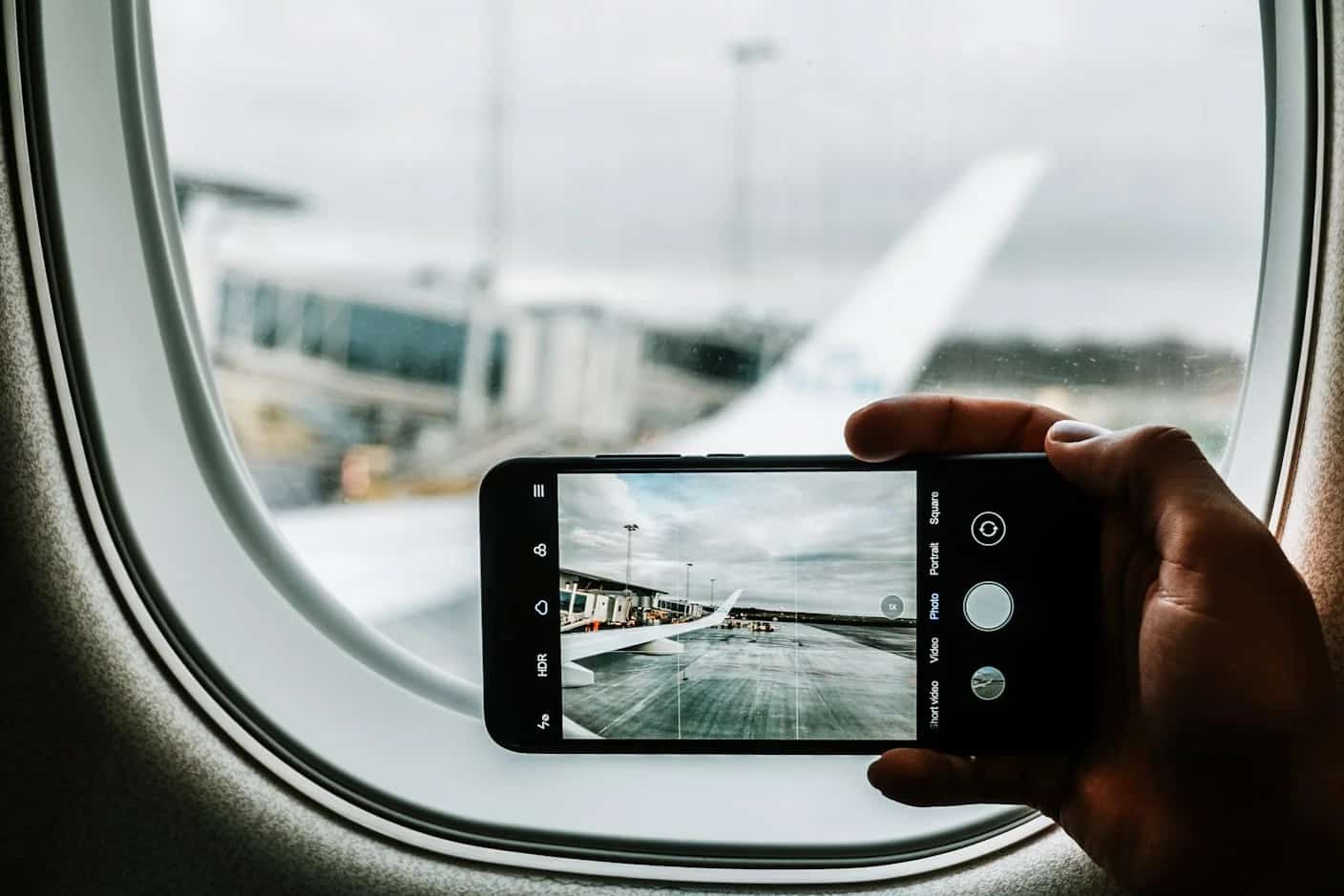
To use an eSIM for international travel, buy a data plan for your destination, install it over Wi-Fi before you leave, then make it your cellular data line with data roaming on for that line only. It activates when it connects to a network on arrival, and your own number stays on your main line for calls and texts.
Key takeaways
- Check two things first: your phone supports eSIM and is unlocked (Settings > General > About > Carrier Lock on iPhone)
- Match the plan to the route: one country, a regional plan for several neighbors, or Global for several continents
- Install at home over Wi-Fi; the eSIM activates when it connects to a network at your destination
- On arrival, the travel eSIM carries data with roaming on, and your home line keeps calls and texts with data roaming off
- With iOS 26, iPhone can prompt you to turn on the travel eSIM when you land and switch back when you return
Before You Buy: Unlocked Phone, eSIM Support
Every iPhone from the XS and XR onward supports eSIM, as do Pixel phones from the 3a onward, most recent Galaxy flagships and many other models; the supported devices page lists them. Hardware support is not enough on its own. A phone locked to your carrier will refuse a travel eSIM, and Apple's travel eSIM guide gives the check for iPhone: Settings > General > About, where an unlocked phone shows No SIM Restrictions next to Carrier Lock.
One regional catch: in mainland China, only some iPhone models sold there support eSIM, and others use two physical SIM cards. A phone bought in mainland China may therefore not take a travel eSIM at all.
Country, Regional or Global: Match the Plan to the Route
- One country: a country plan gives you the networks chosen for that market, listed in the plan details
- Two or more neighboring countries: a regional plan or a multi-country Trip Pack keeps one eSIM across borders
- Several continents or an open-ended route: a Global plan, which costs more per gigabyte but follows you further
- Already in the zone when you install: a regional or Global plan activates directly in any of its countries
If your trip runs longer than planned, you top up the eSIM you already have rather than installing a second one.
Installing the eSIM at Home, Step by Step
Install over Wi-Fi before you fly, while you can still read instructions and contact support. Simsima sends a Smart Link by email after purchase. On an iPhone with iOS 17.4 or later, the flow is the one Apple describes for carrier links:
- Open the email on the phone that will use the eSIM and tap the link
- When Activate New eSIM appears, tap Allow, then Continue
- Label the new line, for example Travel, so you can tell it from your home line
- Check it appears under Settings > Cellular, then leave it alone until you land
If you have a QR code instead, go to Settings > Cellular > Add eSIM > Use QR Code. On a Pixel, the path is Settings > Network & internet > SIMs > Add SIM, following Google's dual SIM instructions. With iOS 26, an iPhone may also ask whether you plan to use the new eSIM at home or while traveling. APN settings are applied automatically on most plans; if data does not start, support can give you the right APN.
Do You Need to Turn Off Data Roaming When Using an eSIM?
On your home line, yes. On the travel eSIM, no: it needs data roaming on to connect abroad, and because it is prepaid, it cannot run up a bill. The home line is the one to switch off, because a phone that can still use it for data will roam on your carrier's rates.
With iOS 26 and later, landing with a travel eSIM installed can trigger a Turn On Travel eSIM notification. Tap it, then choose Travel eSIM Only or Travel eSIM and Current eSIM; with both, the travel eSIM is used for data. You will then be offered Low Data Mode. Apple notes that keeping both lines on can still incur roaming fees on your home line, so check its Data Roaming setting.
To do it by hand on iPhone, go to Settings > Cellular > Cellular Data and pick the travel line, then tap each line to set Data Roaming: on for travel, off for home. On a Pixel, Settings > Network & internet > SIMs lets you choose the SIM for mobile data and turn Roaming on or off.
Simsima recommendation
Ready to skip the international roaming charges?
Browse Simsima eSIM plans — activation on arrival, local networks, no contract.






Staying Reachable on Your Own Number
A Simsima eSIM is data only: no phone number, no calls or texts. Your usual number stays on the main line and still receives calls and SMS, which may be billed by your carrier abroad. Apple notes that if you use only the travel eSIM, FaceTime and iMessage keep working on your home number, and WhatsApp and similar apps stay linked to the number you registered, running over the travel eSIM's data.
For calls on your own number without roaming, turn on Wi-Fi Calling for your home line under Settings > Cellular, choosing that line, then Wi-Fi Calling, if your carrier offers it. Calls then go through hotel or café Wi-Fi.
Coming Home: Switching Back
With iOS 26 and later, depending on your country or region, the iPhone turns off the travel eSIM and turns your home line back on when you return. If it does not, open Settings > Cellular, make sure Turn On this Line is enabled for your home number, and turn off the travel line.
Turning a line off is enough. Deleting it is final: a deleted eSIM cannot be reinstalled on your own, and only support can look at a solution. If the plan still has validity, or you return to the same destination often, keep it installed and top it up next time.
Frequently Asked Questions
No. Your carrier's roaming, a local SIM bought on arrival and Wi-Fi all work. A travel eSIM is the option that gives you local data from the moment you land without a store visit, while your own SIM stays in the phone.
Online, from a carrier at your destination or from a worldwide provider such as Simsima, which covers 190+ destinations. You choose a country, regional or Global plan, pay, and receive the eSIM by email to install before you leave.
It needs a compatible, unlocked phone. A travel eSIM like Simsima's is data only, so there is no local number for calls, texts or services that send a code to a local number. Hotspot use depends on the plan. And a deleted eSIM cannot be reinstalled on your own.
Travel eSIMs cover most countries, and Simsima sells plans for 190+ destinations; the plan's country list is the reference. Coverage inside a country depends on the networks the plan uses and is never complete in remote areas.
It depends on the plan, so ask support before buying if you need it. On iPhone with two lines, Personal Hotspot shares whichever line carries cellular data, so the travel eSIM must be that line.
A few days before departure, over Wi-Fi. It does not use up validity sitting on your phone; it activates when it connects to a network at your destination.
How Simsima works — Step-by-step breakdown of purchasing, installing, and activating your eSIM with Smart Link
Data usage calculator — Estimate how much data you need based on your travel habits and trip duration
eSIM supported devices — Check whether your phone is compatible with eSIM before you buy
eSIM Europe guide — Detailed guide to using an eSIM across 30+ European countries
#travel tips#eSIM guide#international travel#roaming alternative

Dimitri MorvanFounder
Founder of Simsima. A passionate traveler based in Barcelona, he helps travelers stay connected without breaking the bank on roaming fees.
LinkedIn