-5% on your 1st eSIM
WELCOME5
Loading...
Get your Visible APN settings right on Android and iPhone with this step-by-step guide. Includes troubleshooting tips and the exact values you need.
 Dimitri Morvan
You've inserted a Visible SIM, watched the signal bars appear, and still can't load a webpage or send a picture. That's usually when Visible APN settings enter the picture. The confusing part is that there isn't one universal experience: some phones receive the correct carrier profile automatically, some show a locked menu, and others expose more than one Visible APN option.
The right fix depends on the symptom, device, SIM or eSIM state, and which profile your phone received. Use the steps below as a decision tree, not as a reason to replace a working configuration.
An Access Point Name, or APN, tells a phone how to connect to a carrier's packet-data network. It acts as the configuration handshake for services such as mobile internet, MMS, and hotspot traffic. If that profile is incomplete or wrong, the phone can have signal while data or picture messaging fails.
For a more general explanation of the technology, this APN overview covers how the setting connects a device to a mobile carrier's data gateway. Visible uses Verizon's network infrastructure, so some Visible values resemble Verizon-family profiles, but that doesn't mean every Verizon APN is interchangeable with every Visible account or device.
Android normally places the menu inside mobile-network controls. On stock Android, that usually means Settings → Network & internet → SIMs → Access Point Names. Samsung's One UI uses a different route, Settings → Connections → Mobile networks → Access Point Names. Apple keeps the controls under Settings → Cellular or Mobile Data → Cellular Data Network or Mobile Data Network, and the menu may be unavailable if the carrier profile doesn't permit editing. Samsung's APN settings guide illustrates the Android-style location and explains why menu labels can vary.
Common fields include:
Most users shouldn't change every field. A correctly provisioned phone may fill the supporting values automatically, while a manual profile typically needs only the values appropriate to that device and account.
Bad APN data usually appears as No Service, mobile data that won't load, or MMS messages stuck in delivery. Before editing anything, check whether an existing profile is already selected and working.
Android gives you the most control, but it also makes one small mistake surprisingly easy. You can create a valid profile and still leave the old one active.
On stock Android, open Settings → Network & internet → SIMs, select the Visible SIM, then choose Access Point Names. On some phones, the menu is under Settings → Mobile network → Advanced → Access Point Names. Tap the plus sign to add a profile.
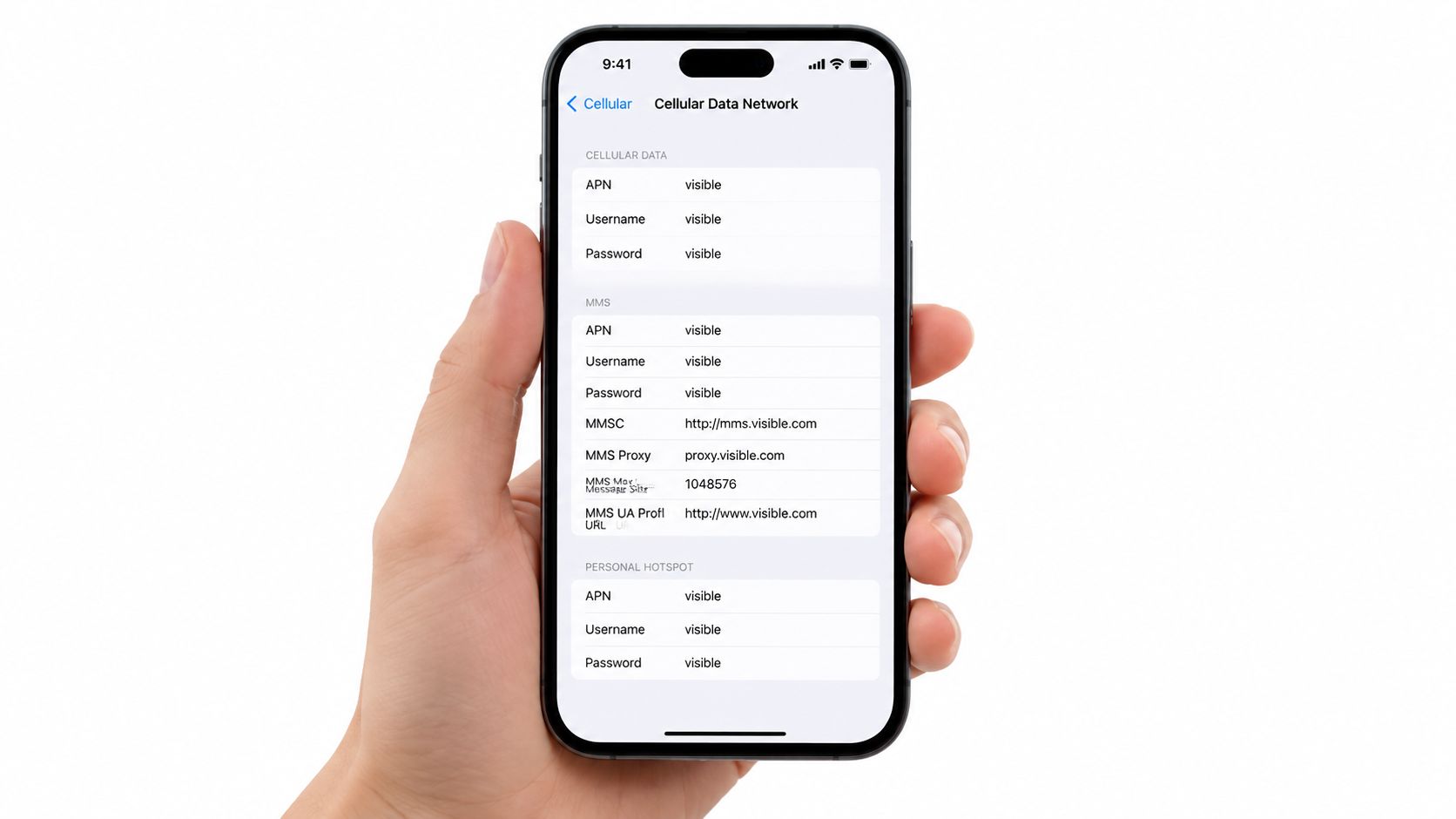
Enter the following starting profile:
VSBLINTERNET311480The two APN names in circulation are discussed in detail later. For a new activation, start with VSBLINTERNET. If the phone refuses to register data or a specific service behaves incorrectly, save a separate vzwinternet profile instead of deleting the first one.
Tap the menu button and choose Save. Then return to the APN list and tap the radio button beside the new Visible entry. Android doesn't always activate a profile merely because you saved it. If you skip that radio button, the phone may continue using the previous default.
Practical rule: Save the profile, select it, then toggle airplane mode. That sequence gives the handset a clean chance to register with the new configuration.
If you're traveling, check the phone's data-roaming control before assuming the APN is broken. Roaming settings and APN settings are separate controls, and turning one on doesn't automatically change the other. Keep roaming disabled unless your plan and destination support it, but don't mistake a roaming restriction for a malformed APN.
Samsung devices may show fields in a different order, while Pixel phones can receive a working profile automatically through the Visible SIM. Don't overwrite an automatically working entry just because its name looks unfamiliar.
A short airplane-mode cycle is usually enough after saving. If data still fails, restart the phone, verify that the Visible SIM is selected for mobile data, and test a plain webpage before troubleshooting MMS or hotspot.
Use the video below as a visual reference for the Android menu flow and save behavior.
Apple handles APN editing more strictly than Android. On an editable iPhone, open Settings → Cellular → Cellular Data Network. On some versions, the labels appear as Mobile Data and Mobile Data Network. A cellular iPad follows the same general path, although an MVNO profile may expose only the data APN and omit MMS fields.
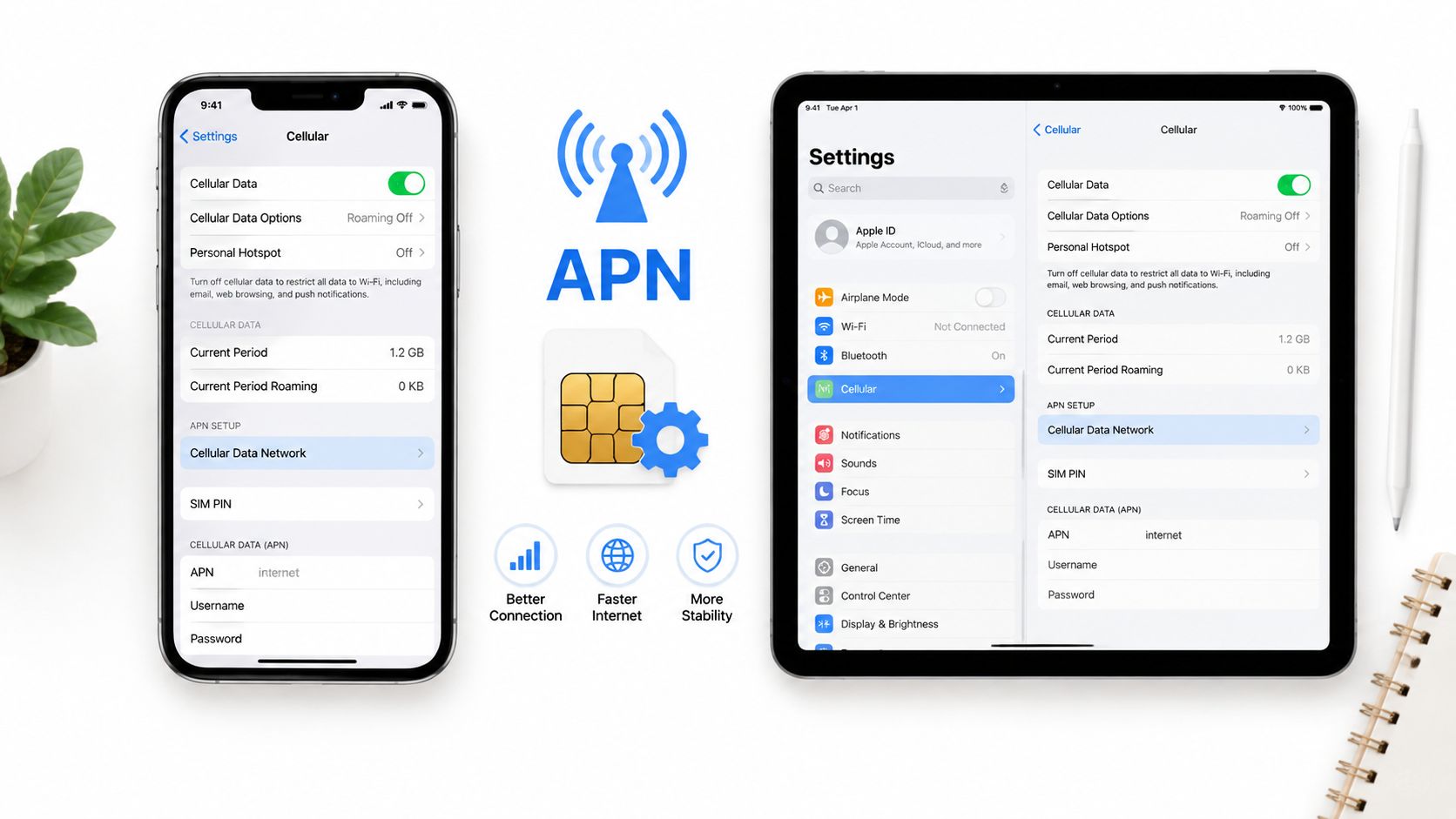
If the fields are available, use:
VSBLINTERNETDon't type a friendly phrase such as “Visible internet” into the APN field. The APN value is a network identifier, and iOS may retain the previous configuration when the replacement doesn't pass its basic validation.
A greyed-out or missing Cellular Data Network screen usually isn't a typing problem. Apple allows carriers to control whether subscribers can edit these values, so a locked Visible device or a carrier-managed configuration can prevent manual changes.
In that situation, use the Visible app or the carrier's supplied configuration process rather than trying random profiles from the internet. If the carrier provides a configuration profile through Safari, review the source before installing it and follow Visible's activation instructions.
After saving an editable profile, toggle airplane mode and turn it off again. Then test cellular browsing with Wi-Fi disabled. If the iPhone has two active lines, confirm that Visible is selected under Cellular Data, because a correct APN on the unused line won't affect the connection.
For additional context on the device-side data controls, this guide to cellular data on iPhone explains how Apple separates cellular settings from Wi-Fi and line selection.
Visible users commonly encounter two profile names, vzwinternet and VSBLINTERNET. They represent different entries that can appear in carrier databases, SIM configurations, community instructions, and device software. A Visible APN reference lists both names alongside the network codes and supporting fields that users may encounter.
The practical choice is simple: start with the profile your phone received automatically. If you're building a manual entry for a new activation, try VSBLINTERNET first. If data, MMS, or hotspot still fails, save vzwinternet as a second profile and test it without destroying the first configuration.
| Feature | vzwinternet | VSBLINTERNET |
|---|---|---|
| Profile role | Older Verizon-family entry that may remain in device databases | Visible-branded entry used by many current configurations |
| Best first use | Troubleshooting an older SIM, device, or failed newer profile | New manual setup or a current Visible activation |
| Basic data | Often works when the device accepts the Verizon-family profile | Often works when the device accepts the Visible-branded profile |
| Hotspot behavior | Worth testing when tethering is blocked | May need an APN type that includes dun |
| MMS behavior | A useful fallback when picture or group messaging fails | The normal starting point for a fresh profile |
| Switching method | Save as a separate entry and select it | Save as a separate entry and select it |
The name alone doesn't prove which entry is correct for your account. Firmware, SIM provisioning, iPhone carrier settings, Android skin, and hotspot policy can all affect the result. That's why an untouched backup profile is more useful than repeatedly editing one entry until you no longer know which value caused the change.
Only one APN is active at a time. Switching between saved entries is reversible, provided you record the working values first.
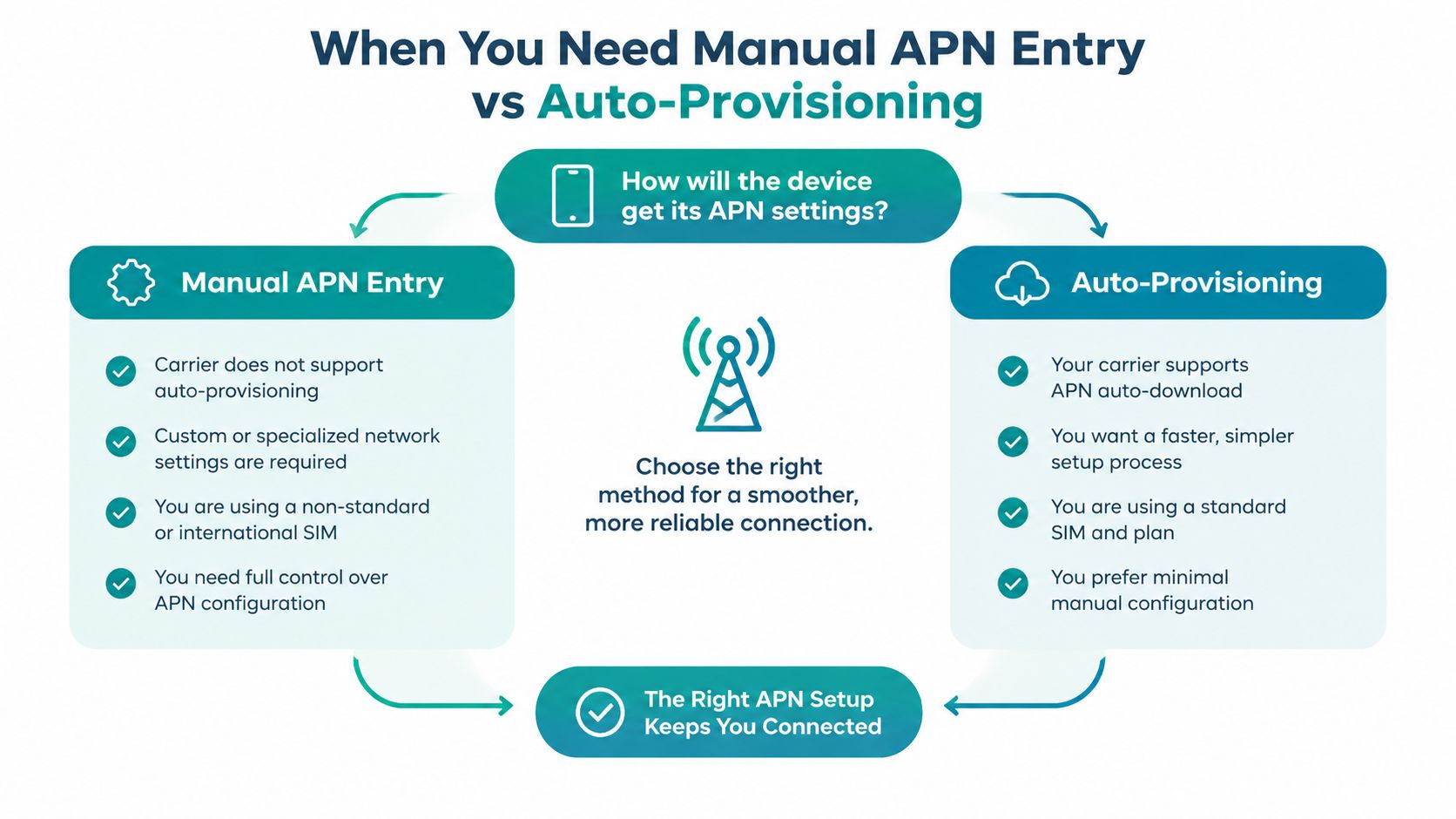
Manual entry should be the exception. Most compatible Visible phones receive carrier settings through the SIM or eSIM activation process, and changing a working profile can create problems that weren't present before.
Use this decision path:
A network reset can help when the phone has stale carrier state, but it also removes saved network information and may erase manual APN work. Try a normal reboot and airplane-mode cycle first. If the SIM is recent and the device is compatible, automatic provisioning is usually the safer path than forcing a new profile immediately.
If the phone already has a working carrier entry, don't replace it just because an online guide uses different capitalization or field order.
Change the smallest possible field. A full rewrite makes it harder to identify whether the original issue came from the APN name, MMS values, tethering type, or device provisioning.
The following adjustments are commonly suggested in Visible community guidance, but device behavior can differ by firmware and carrier bundle:
default,supl,mms, with MCC 311 and MNC 004 in troubleshooting instructions. Because other Visible references use MNC 480, don't replace a working automatically provisioned value without testing the profile your phone received. Save, select the entry, and toggle airplane mode.dun. If the current VSBLINTERNET entry strips tethering, try a separate vzwinternet entry. Select only one profile at a time and toggle airplane mode after switching.IA in the APN type to support an additional connectivity path. Add it only if your device or carrier instructions call for it. Reboot after changing the field, then test calls with 5G enabled.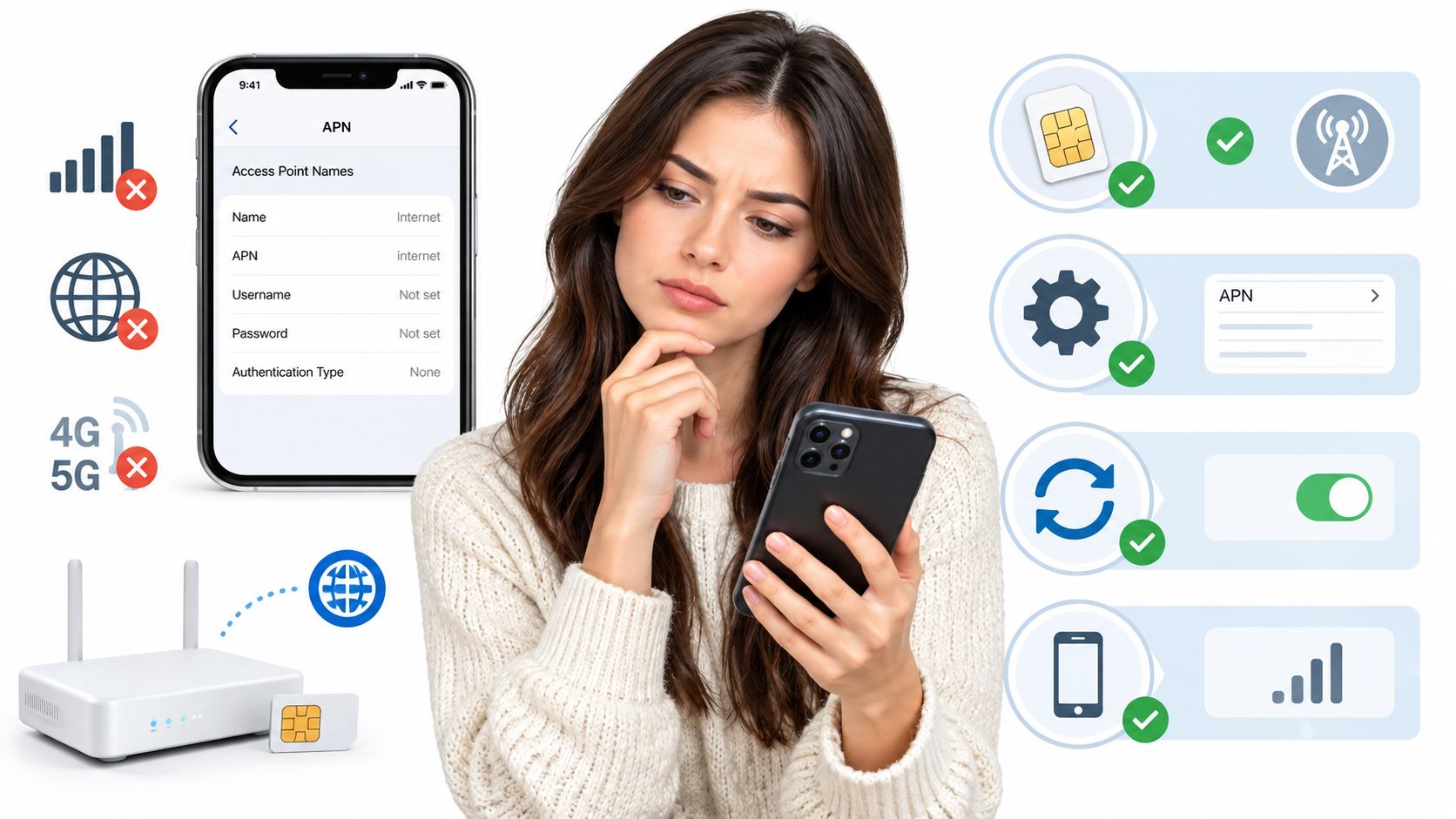
MMS troubleshooting deserves extra caution because a phone can have working internet while messaging remains broken. This guide to cellular data problems is useful for separating an APN fault from a disabled data line, weak coverage, or another device setting.
If none of the targeted changes holds, use Reset to default inside the APN menu and let the carrier profile return. Restart the phone, allow the SIM to reprovision, and only create a manual entry again if the original symptom remains.
Before calling the setup complete, verify the connection in the order the phone uses it:
Travel adds another layer. You can keep Visible active on an eSIM while using a local physical SIM or another travel eSIM for data, but dual-SIM iPhones require you to choose the correct line under Cellular Data. Changing the default data line doesn't rewrite the Visible APN. It tells the phone which subscription should carry internet traffic.
Visible's Party Pay service doesn't include international roaming, so don't expect the domestic Visible profile to provide ordinary data in every foreign destination. Outside the United States, plan around Wi-Fi calling, a supported alternative, or a travel data eSIM. Simsima offers prepaid data eSIM plans for travelers across more than 190 countries, with installation through a Smart Link or emailed QR code, so it can serve as the separate data line while your regular number stays active.
The vzwinternet profile may work in some US territories, but it shouldn't be treated as a general Mexico or Canada roaming solution unless Visible explicitly enables that service for your account. Before leaving, screenshot the APN entry that works. Also avoid resetting network settings after manual configuration unless you're ready to recreate the profile, because the reset can remove custom network data.
If you're traveling, visit Simsima to compare prepaid data eSIM plans for your destination and install one without replacing your Visible number. Keep Visible available for your regular line, then use the travel eSIM as the selected data line when you need connectivity abroad.

Founder of Simsima. A passionate traveler based in Barcelona, he helps travelers stay connected without breaking the bank on roaming fees.
LinkedIn