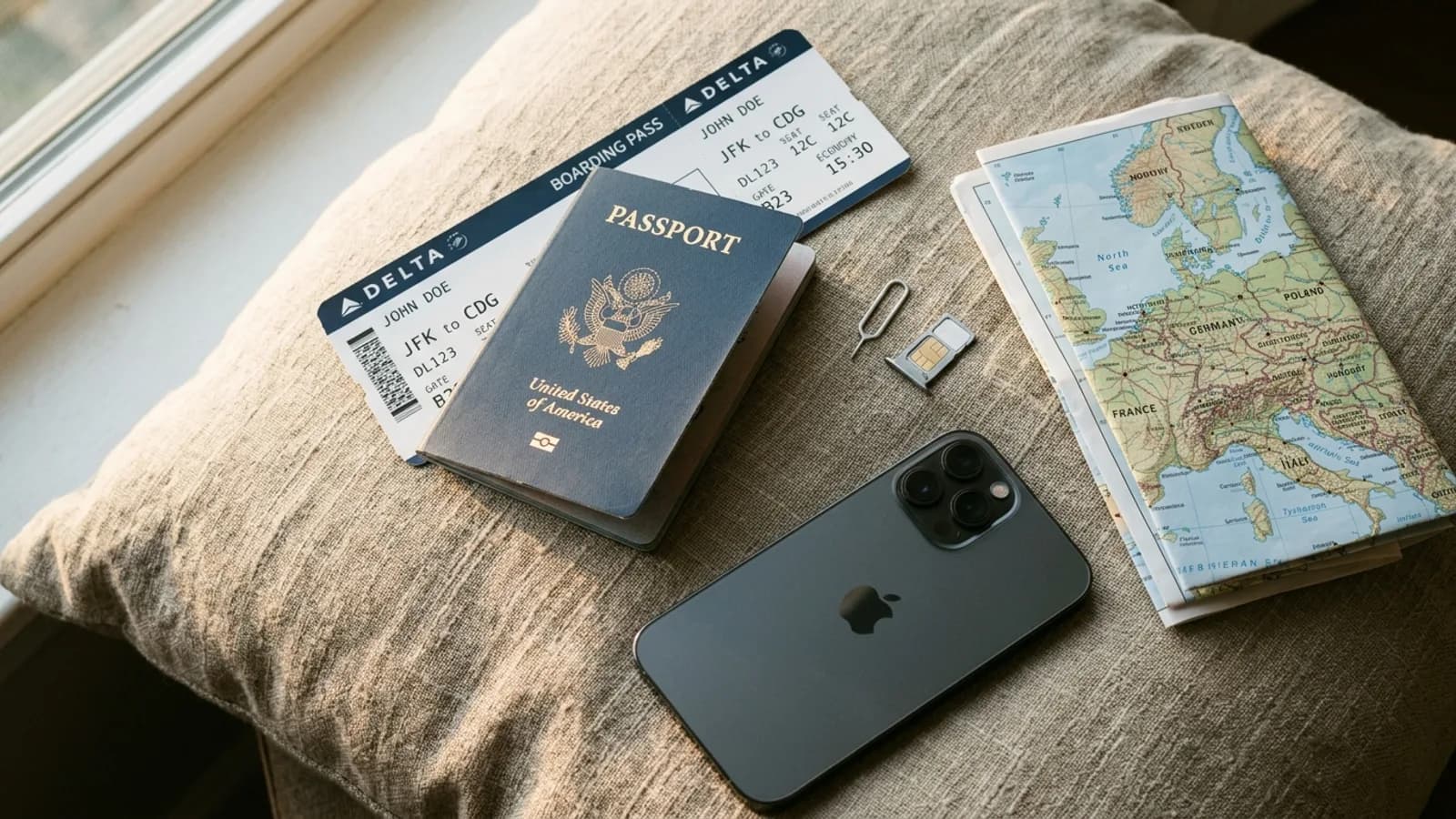
-5% on your 1st eSIMuntil October 31
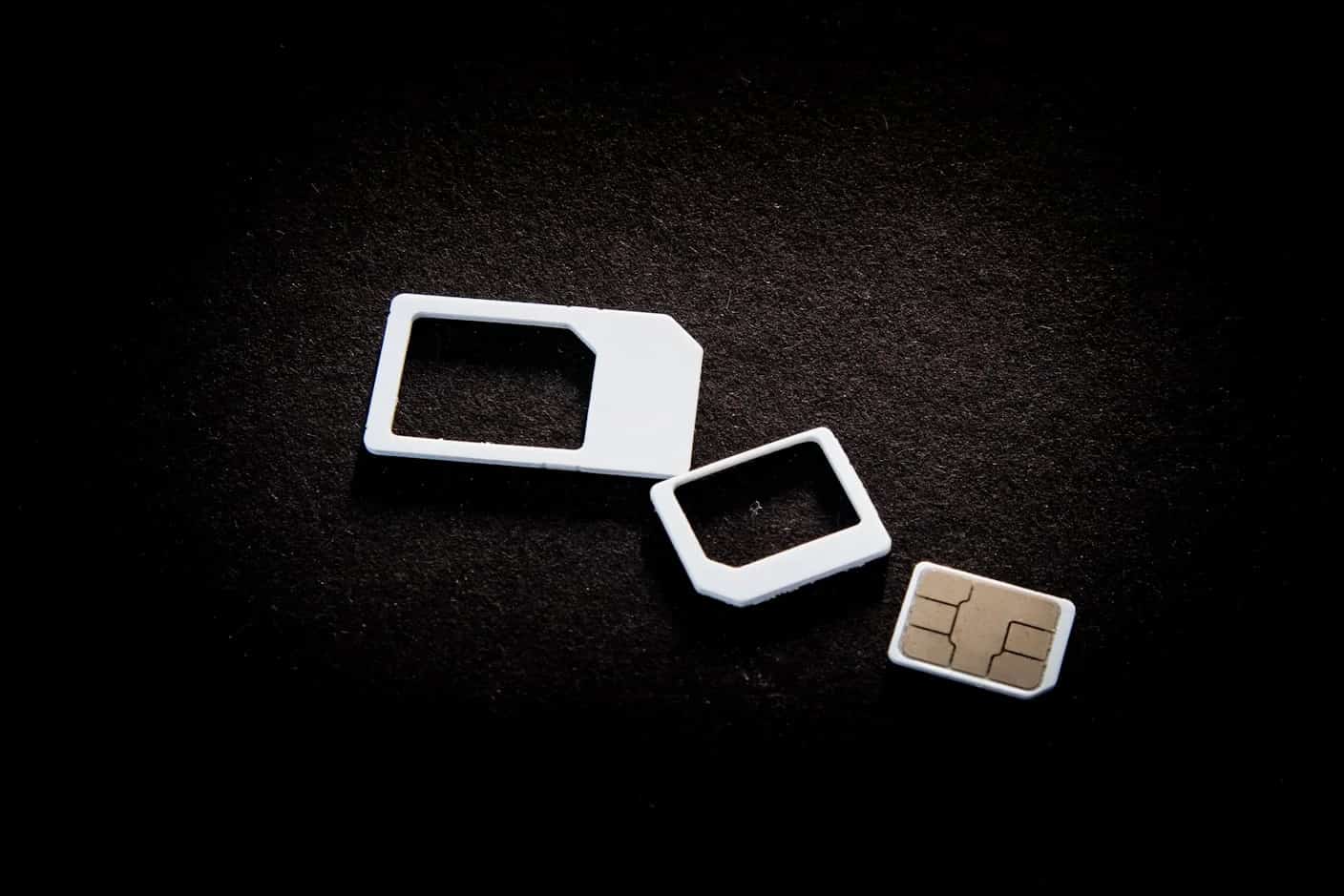
The difference is where the SIM lives. A physical SIM is a removable card; an eSIM is a chip built into the phone that downloads the operator's profile over the internet. On the same network, coverage and speed are the same. For travel, an eSIM is quicker to get; a card suits older phones and fast swaps between phones.
Key takeaways
- Same networks, same speeds: what changes is how the line gets onto your phone
- An eSIM installs over Wi-Fi in minutes, before you leave, and sits beside your home SIM
- Some phones have no SIM tray at all, such as the iPhone Air and US iPhone and Pixel 10 models
- A card is easier to move between phones; an eSIM cannot be pulled out if the phone is stolen
- A travel eSIM is data only: for a number in the country, you still need a local SIM
What eSIM does better on a trip
No shop, no shipping, no airport queue: you buy the plan online, install it at home on Wi-Fi, and it activates when it connects at your destination. Your home SIM stays in the phone, so your number keeps receiving texts. Apple also lists security in its guide to traveling with eSIM: an eSIM cannot be removed if the phone is lost or stolen, and there is no card to lose during a swap.
For a route through several countries, a regional plan covers them all on one eSIM. With cards, you would buy one per country or pay roaming on the last one.
Where a plastic SIM still makes sense
- Your phone does not support eSIM, or it is locked to a carrier that will not unlock it.
- You want a number in the country, for a local bank, a rental or a delivery app. Travel eSIMs, Simsima's included, are data only.
- You regularly move one line between two phones. Taking out a card is quicker than any eSIM transfer.
- You are staying for months and want a local contract at local prices.
Buying a SIM on arrival usually means a counter at the airport or in town, and in many countries an ID check: Apple notes that local regulations may require a passport.
Simsima recommendation
Ready to skip the international roaming charges?
Browse Simsima eSIM plans — activation on arrival, local networks, no contract.






Phones that no longer take a SIM card
Some phones have dropped the tray altogether. The iPhone Air has none in any country, and the iPhone 17 and 18 Pro ranges have none in the United States, Canada, Japan, Mexico and several Gulf countries, per Apple's model list. Google says US Pixel 10, 10 Pro and 10 Pro XL models cannot use a physical SIM, on its SIM help page. On these phones, eSIM is the only way to add a travel line.
Setting up each one: tray versus link
A card goes in with a SIM tool: eject the tray, place the SIM with the angled corner matching the tray, push it back, and enter the SIM PIN if you set one, as Apple's iPhone User Guide shows. Never guess the PIN: wrong guesses can lock the card for good.
An eSIM goes in from a link, a QR code or a carrier app. With Simsima, you tap the Smart Link in your order email; on iPhone with iOS 17.4 or later, tapping a provider's link starts the installation, per Apple's eSIM setup page. APN settings are applied automatically on most plans; if data does not start, our support team can give you the right APN.
Changing phones: where a card is simpler
Moving a card takes ten seconds. Moving an eSIM depends on the operator: iPhone and Android have built-in transfer tools, but they only move lines from carriers that support them. A travel eSIM is a separate case: for a Simsima eSIM, contact support before you switch phones, and do not delete it from the old one, because a deleted Simsima eSIM cannot be reinstalled on your own.
On the other hand, an eSIM does not get lost in a hotel room or snapped while you swap trays at a gate, and you can check whether your device supports eSIM before you buy.
Frequently Asked Questions
From the provider's link, QR code or app, while connected to Wi-Fi. A Simsima eSIM then activates by itself when it first connects to a network in the country it covers. On arrival, make sure it is the line used for mobile data and that its data roaming is on.
No. An eSIM works on its own; a phone can run on eSIM alone, and some models have no SIM tray at all. If your phone has both, you can use a card and an eSIM at the same time, which is the usual travel setup.
Not by being an eSIM: the radio and the network do the work, whichever SIM type you use. Keeping two lines active can use slightly more power than one, whether the second line is a card or an eSIM.
Yes, on any phone with a SIM tray. Insert the card and choose which line handles calls and data. Phones without a tray, such as the iPhone Air, stay eSIM only.
On iPhone, erasing all content and settings lets you choose whether to keep or erase your eSIM, as [Apple's page on erasing an eSIM](https://support.apple.com/en-us/102421) explains. Choose to keep it. A deleted Simsima eSIM cannot be reinstalled on your own: contact Simsima support.
In one specific way, yes: it cannot be pulled out of a lost or stolen phone and put into another. Account security, such as protection against someone porting your number, still depends on your carrier's checks.
Browse all eSIM destinations — Explore Simsima's full catalog of travel eSIM plans for 190+ countries
How Simsima works — See the step-by-step process from purchase to activation with Smart Link
eSIM-supported devices — Check if your phone, tablet, or smartwatch is compatible with eSIM
Multi-country Trip Packs — Get a single eSIM plan covering multiple countries for uninterrupted regional travel
#comparison#esim#sim card#travel tips

Dimitri MorvanFounder
Founder of Simsima. A passionate traveler based in Barcelona, he helps travelers stay connected without breaking the bank on roaming fees.
LinkedIn