-5% on your 1st eSIM
WELCOME5
Loading...

How travel eSIMs actually work — from buying online to connecting through local carriers abroad. Activation, multi-line setup, data caps and what doesn't work.
 Dimitri Morvan
A travel eSIM is a software profile you install on your phone before or during a trip — and once it's installed, it connects automatically to a local mobile network the moment you land. There's no plastic card, no airport kiosk, and no swap involved. You can buy one in the morning, install it from your couch, and it sits dormant on your phone until it detects a network abroad. This guide walks you through how that whole chain actually works, why your home line keeps working alongside it, and where the limits are. If you're shopping for a plan, you can also browse Simsima's destination catalog directly.
eSIM stands for embedded SIM. Instead of a removable chip, your phone has a small reprogrammable component built into the motherboard — the eUICC — that can store multiple SIM profiles at once. A profile is just a file: it contains the IMSI, authentication keys, and operator data that a physical SIM would normally carry. When you install an eSIM, your phone downloads that file from a remote provisioning server and writes it to the eUICC. From the network's point of view, the result is identical to a physical SIM. From your point of view, the difference is that you never touch hardware.
A carrier eSIM is what you'd get if you walked into a Verizon or Orange store and asked them to set up a line — it's a long-term subscription tied to your identity, with a contract, a phone number, and usually a credit check. A travel eSIM is the opposite: prepaid, short-term, data-only in most cases, and bought online from a marketplace like Simsima rather than a mobile operator.
The practical consequences matter. Travel eSIMs don't come with a real local phone number you can give out — they're built for data. You don't sign a contract or hand over an ID. The plan has a fixed duration (usually 1 to 30 days) and a fixed data bucket, and when either runs out the eSIM stops working until you top up or buy another one.
There are two steps that often get confused: installing the eSIM profile, and activating the plan. Installing means writing the profile to your phone — that's the QR code or Smart Link step, and you can do it days before you fly. Activating means starting the clock on your plan, which usually happens automatically the first time the eSIM registers on a foreign network.
The typical order of operations looks like this. You buy a plan online and receive an email with either a QR code or a one-tap Smart Link. You install the profile at home using airport Wi-Fi or your home connection. The profile sits idle on your phone. You fly. When you land and turn airplane mode off, your phone scans for available networks, the eSIM authenticates with a local partner carrier, and the plan starts counting from that first successful registration. With a few providers, the clock starts on a date you pick at checkout instead — worth checking before you buy.
This is the part most travelers find confusing. When you buy a "Colombia eSIM," the provider behind it isn't running a network in Colombia — it's running an agreement with one or more local operators like Claro, Movistar, or Tigo. Your eSIM profile is provisioned on a wholesale carrier (sometimes called a host MNO), and that carrier has roaming partnerships with local networks in the country you're visiting. When you land, your phone latches onto whichever partner network has the best signal, exactly like your home line would if it were roaming.
The upside is coverage: travel eSIMs usually have access to two or three local networks per country, so if one has weak signal in a rural area your phone switches to another automatically. The downside is that you don't control which carrier you end up on, and a few advanced features that depend on direct carrier integration — like Wi-Fi calling or VoLTE on certain bands — may not work reliably.
Modern iPhones (XS and newer) and most flagship Androids support dual SIM with at least one eSIM slot, which is what makes this whole pattern work. The idea is to keep your home SIM active for calls and SMS — especially for two-factor authentication codes from your bank — while routing all data through the travel eSIM.
Browse Simsima eSIM plans — instant activation, local Tier-1 networks, no contract.
On both platforms the configuration is the same in spirit: data goes through the travel eSIM, calls and SMS stay on your home line, and you turn off data roaming on the home line so it can't burn through your wallet in the background. Most banking apps, WhatsApp, iMessage, and email don't care which SIM is providing data, so once data is routed correctly everything just works.
Travel eSIM plans come in three flavors. Fixed allowance plans give you a total bucket — 3 GB, 10 GB, 20 GB — that you can burn through at any pace over the plan's duration. Daily plans give you a smaller bucket each day (say, 1 GB per day for 7 days), and when you hit the daily limit speeds drop to a crawl or stop entirely until midnight local time. Unlimited plans give you full speed up to a generous monthly cap and then continue at reduced speeds.
When the bucket empties, behavior depends on the provider: some cut you off entirely, some throttle you to roughly 128 kbps (enough for maps and messaging, not enough for video), and some let you top up directly from the eSIM management app without reinstalling anything. Worth knowing before you fly: top-ups usually keep the same eSIM profile alive, so you don't reinstall.
Travel eSIMs handle data brilliantly. Everything that runs over the internet — Google Maps, Uber, Instagram, ChatGPT, WhatsApp calls and messages, iMessage, FaceTime, banking apps, streaming, hotspot tethering — works exactly as it does at home, as long as you have signal. Hotspot is sometimes restricted by provider, so check the plan's terms if you need to share data with a laptop.
What doesn't work, and where travelers get caught out: most travel eSIMs don't give you a phone number, so people can't call or text your eSIM line directly. Inbound SMS to your home line still works because that line is active in parallel, but inbound SMS to the eSIM itself — including some two-factor codes from local services — usually isn't supported. Voice calls over the regular phone network also aren't included on most travel eSIMs; if you need to call a hotel or a taxi, use WhatsApp, FaceTime Audio, or Skype over the data connection.
A travel eSIM isn't always the cheapest answer. If you're on a 2-day business trip and your home carrier offers a $10/day pass that includes unlimited data plus calls and SMS, the math may favor staying with your carrier — especially since you keep your number active for inbound calls. The tipping point usually sits somewhere around five days. Beyond that, the daily passes add up fast, and a prepaid travel eSIM with a fixed data bucket typically comes in well under what the roaming charges would be.
There are two other situations where eSIM wins regardless of trip length. If you're visiting multiple countries — say a two-week tour across Europe — a single multi-country travel eSIM is far simpler than tracking roaming rates per border. And if your home carrier doesn't include your destination in its roaming footprint (common with smaller US MVNOs and budget European operators), an eSIM is often the only practical option short of swapping in a physical local SIM.
When you get home, you don't need to do anything urgent. The eSIM profile sits dormant once you re-enable your home data line, and it doesn't consume battery or data. If you want a clean slate, you can delete the profile from your phone settings — but most travelers keep it for the next trip, since some providers let you top up the same profile for future destinations. On iPhone, head to Settings, Cellular, tap the eSIM label, and choose Delete eSIM. On Android, open Settings, Network & Internet, SIMs, select the eSIM, and tap Delete or Erase SIM.
No. A travel eSIM is added as a second line alongside your existing SIM or eSIM. Your home number keeps working for calls and SMS while the travel eSIM handles data.
Most travel eSIMs start when your phone first registers on a foreign network at your destination, not when you buy or install. A few providers let you pick a start date at checkout, so check the plan details.
Most travel eSIMs are data-only and don't include voice minutes or a phone number. You can still make calls over the internet using WhatsApp, FaceTime, Skype, or Google Voice through the eSIM's data connection.
Yes, as long as you keep your home line active in parallel. SMS to your home number arrives normally; just make sure you've disabled data roaming on that line to avoid charges.
Depending on the provider, your connection either stops, drops to throttled speeds, or stays paused until you top up. Most travel eSIMs let you top up directly from an app without reinstalling the profile.
Some plans cover a single country, others cover regions like Europe or Asia, and some are truly global. Multi-country trip packs are usually the cleanest option for multi-stop itineraries.
Only on eSIM-capable phones. On iPhone, that means XS or newer. On Android, most flagship models from 2020 onwards support eSIM. Check your device's compatibility before buying a plan.
You'll need to reinstall it from the original QR code or Smart Link. With Simsima, reinstallation is free and unlimited — keep your purchase email handy.
eSIM for international travel: full overview — Broader context on choosing a travel eSIM by region and trip type
How to activate an eSIM on iPhone — Step-by-step iPhone activation walkthrough with screenshots
Browse Simsima eSIM plans by country — Compare plans for your specific destination

Founder of Simsima. A passionate traveler based in Barcelona, he helps travelers stay connected without breaking the bank on roaming fees.
LinkedIn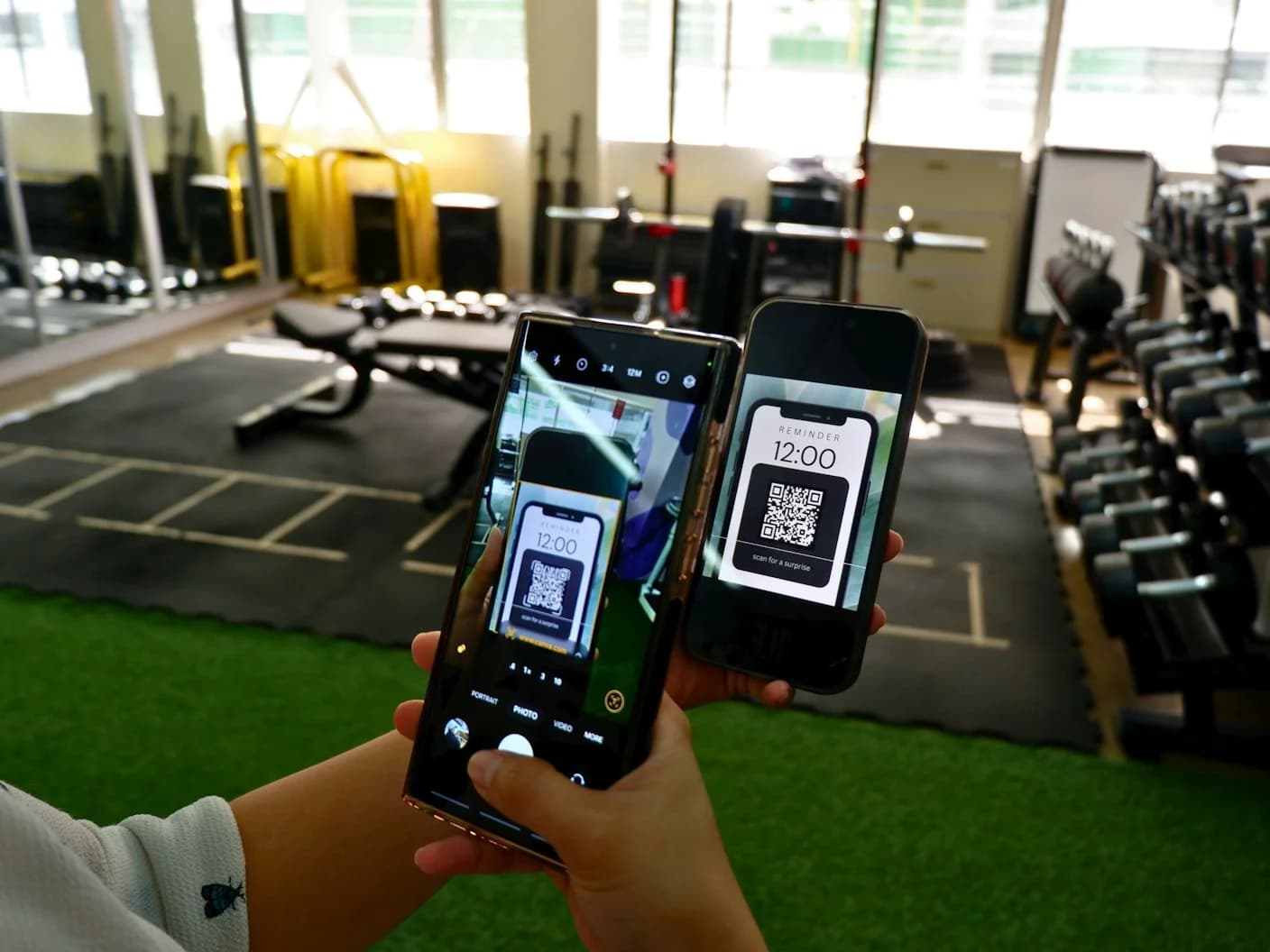 Guides
 Guides
 Guides