-5% on your 1st eSIM
WELCOME5
Loading...
A balanced, honest breakdown of the real advantages and drawbacks of eSIM technology — so you can decide whether it actually fits your phone, your travel style, and your daily life.
 Dimitri Morvan
If you are reading this, you are probably trying to decide whether eSIM is worth it — for your next trip, for your new phone, or just for everyday use. The honest answer is: it depends. eSIM is excellent for most people, but it has real trade-offs that nobody talks about until they bite you. This guide lays out the genuine pros and the genuine cons, without selling you anything you do not need.
Let us start with what eSIM actually does well. These are not marketing claims — they are practical advantages you will notice the first time you use one.
The defining advantage of eSIM is speed. You buy a plan online, receive a digital profile by email, install it in under a minute, and you are connected. There is no driving to a carrier store, no waiting for shipping, no airport kiosk hunt after a long flight. For travelers, this single benefit changes the rhythm of arriving in a new country: maps, ride-hailing, and translation apps work the moment you land.
Most modern smartphones can store eight or more eSIM profiles at once. That means you can keep your home carrier active for calls and texts while running a travel data eSIM, a work line, and a personal line — all on the same device. Switching between them is a setting, not a SIM-tray ejection. This used to require buying a phone with two physical slots, which is increasingly rare on flagship devices.
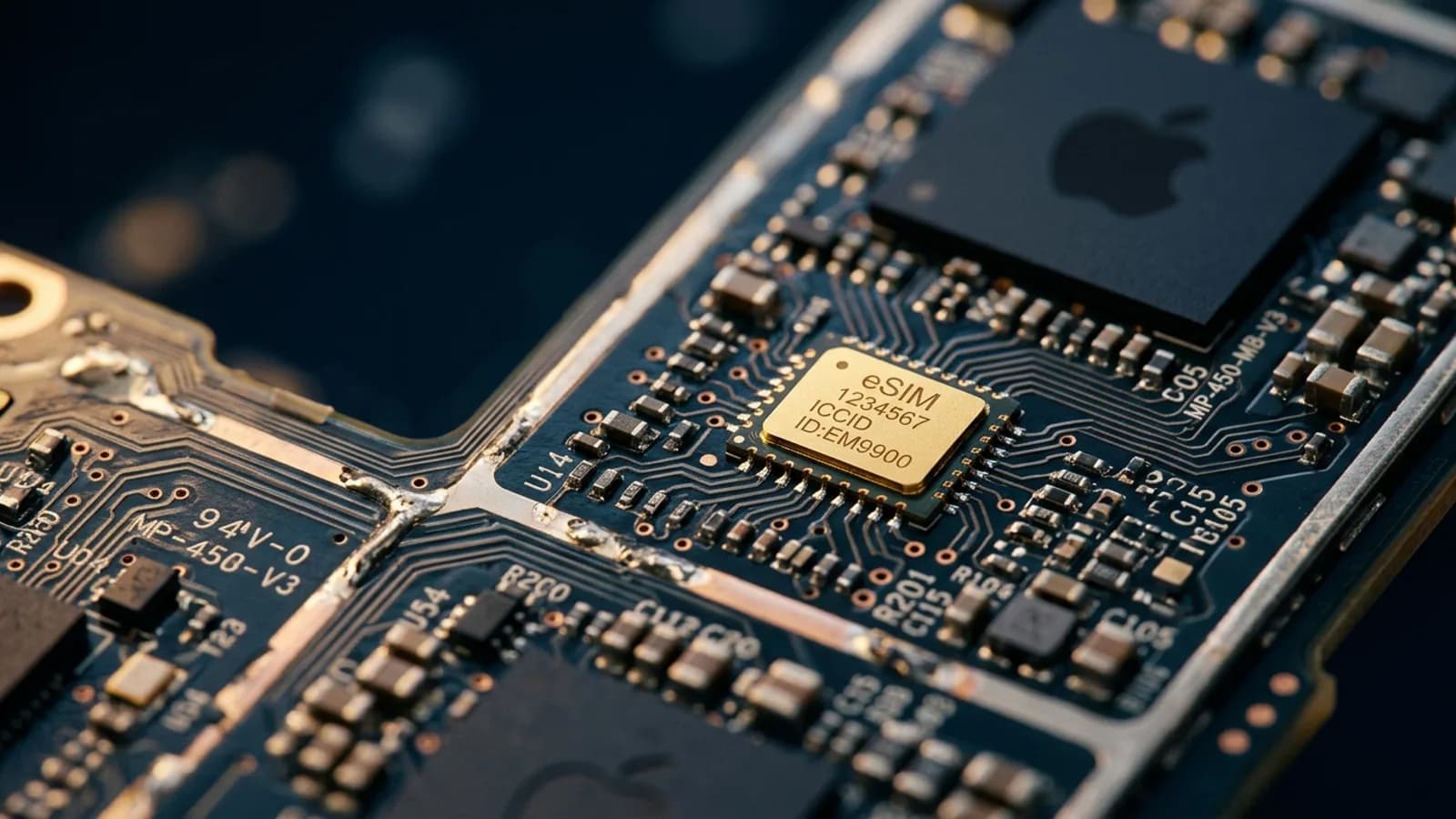
Anyone who has dropped a SIM card on a hotel-room carpet knows how small that piece of plastic is. eSIM removes the entire failure mode. There is no card to misplace, no SIM ejector tool to forget, no tiny tray to bend. Your profile lives inside the phone's secure element, and it stays there until you delete it.
Switching carriers used to mean visiting a store, getting a new card, and physically swapping it. With eSIM, you download a new profile from your new carrier and activate it from the couch. If you are someone who shops around for the best deal every year or two, eSIM removes most of the friction that used to keep people stuck with bad service.
Physical SIMs can be removed and inserted into another device — that is the basis of SIM-swap fraud, where an attacker convinces a carrier to port your number to a SIM they control. An eSIM is bound to the device's embedded secure element and cannot be physically extracted. If your phone is lost or stolen, you can also deactivate the profile remotely, which is not possible with a removable card.
International roaming on a home plan can cost ten or twenty times what a local data plan costs. eSIM makes it trivial to buy local data before you fly, so you arrive with affordable connectivity already loaded. You do not need to commit to a long contract or visit a foreign carrier store. For a one-week trip, this often turns a painful roaming bill into a small one-time purchase.
Every physical SIM card is plastic that gets manufactured, packaged in cardboard, shipped, and eventually thrown away. Billions are produced every year. eSIM removes all of it. If sustainability factors into your decisions, the digital profile is the cleaner option by a wide margin.
This one is less obvious but worth flagging. Removing the SIM tray frees up internal space for engineering improvements: bigger batteries, better waterproofing, and slimmer designs. The SIM tray has always been a weak point for water and dust ingress. As more phones go eSIM-only, expect ruggedness and battery life to keep improving in that freed-up volume.
Now the part most articles skip. eSIM has genuine drawbacks, and pretending otherwise does not help anyone make a good decision. Here are the cons that actually matter.
This is the biggest downside, and it deserves the top spot. If your phone breaks, gets lost, or simply dies on the battery, you cannot pop the SIM into a spare device the way you can with a physical card. A traveler whose phone takes a swim now also loses their connectivity, their two-factor codes, and often their boarding passes — all at once. Carrying a spare phone with a physical SIM as backup is still the most resilient setup, and eSIM removes that option for any line you have already migrated.
Moving a physical SIM to a new phone takes ten seconds. Moving an eSIM profile is more involved: it usually requires support from both your carrier and your device, and many travel eSIMs are device-locked at activation and cannot be moved at all. If you regularly swap between two phones — a personal device and a work device, for example — physical SIM still gives you more immediate flexibility.
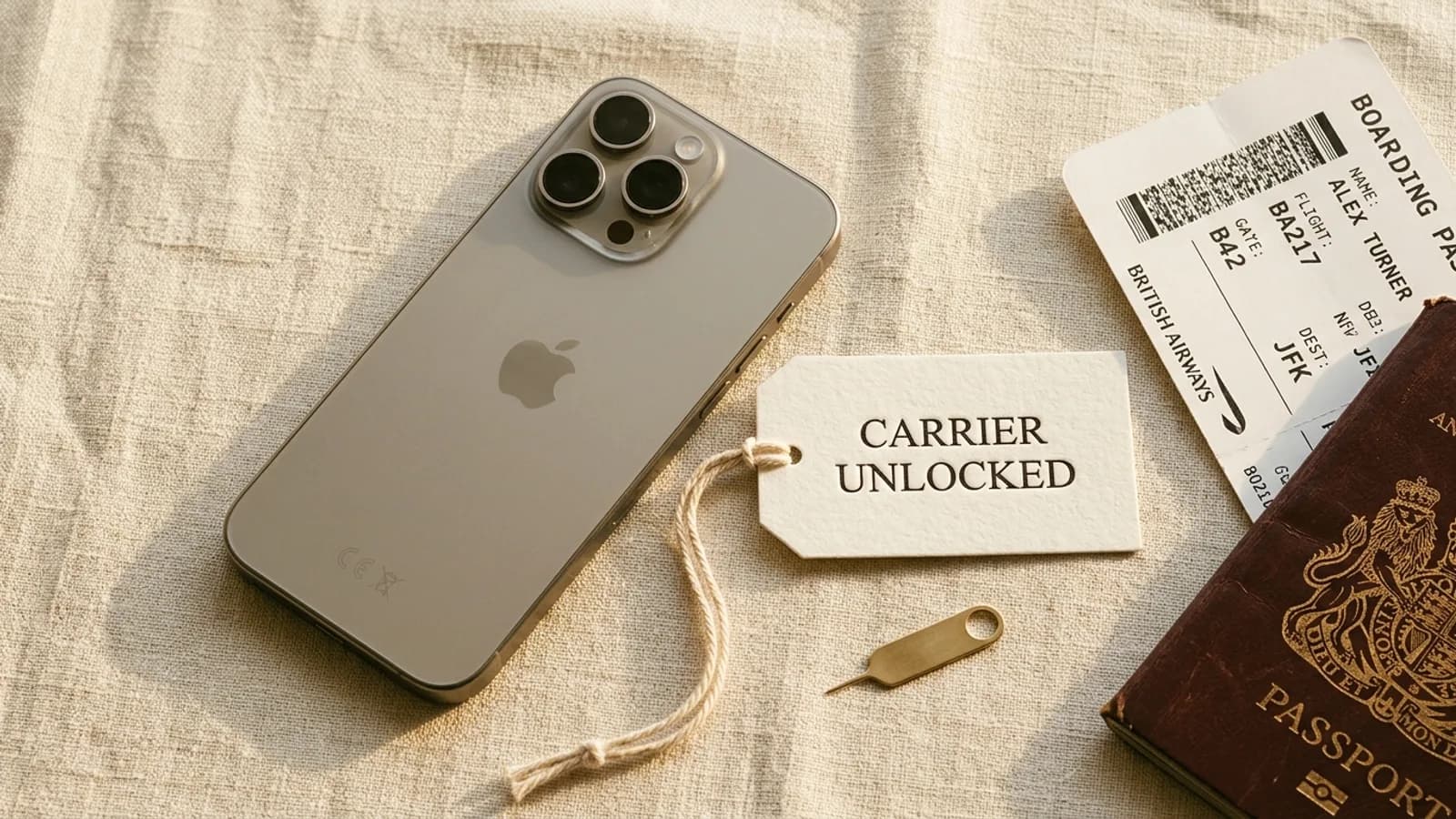
If you bought your phone through a carrier contract, it may be locked to that carrier — and a locked phone will refuse to install an eSIM profile from a different provider. The lock applies to physical SIMs too, but the difference is that a physical SIM you cannot use can at least be swapped out at any moment. With eSIM, you discover the problem mid-install. Always confirm your phone is unlocked before buying a travel eSIM.
Browse Simsima eSIM plans — instant activation, local Tier-1 networks, no contract.
eSIM support is roughly a 2018-and-later feature. iPhones before the XS, most Android phones before 2020, and virtually all budget and feature phones lack the hardware entirely. If you are still on a Galaxy S9 or an iPhone 8, eSIM is not an option without buying a new device. This is not a small population — globally, hundreds of millions of phones in active use do not support eSIM.
Adoption is uneven. Many prepaid brands, rural carriers, and operators in parts of Africa, South America, and Southeast Asia still only issue physical SIMs. If you specifically need a local voice and SMS number from one of these carriers, you may have no choice but to use a physical card. Travel data eSIM providers cover most of these regions through partnerships, so data is rarely the bottleneck — but local voice numbers can still be.
iPhones sold in the United States from the iPhone 14 onward have no physical SIM tray at all. That is great for engineering but a real limitation when you travel to a region with patchy eSIM support. You cannot fall back on a physical local SIM if the local carrier you need does not yet issue eSIM profiles. For a US-based heavy traveler, this is worth thinking about before committing.
There is a chicken-and-egg problem with travel eSIMs: most need an internet connection to install. If you forget to install your eSIM before takeoff and only try after landing, you will need airport Wi-Fi to download the profile. It is rarely a real blocker, but it is a step travelers occasionally trip over. The fix is simple — install before you fly — but you have to know to do it.
For anyone comfortable with smartphone settings, eSIM is straightforward. For less tech-confident users, the menus around dual SIM, default lines, and data switching can feel opaque. Helping a parent or a less technical traveler set up their first eSIM often takes longer than handing them a physical card and saying which slot it goes in.
Pros and cons only matter when you weigh them against your actual situation. Here is a quick decision framework based on the categories above.
If two or more of these describe you, eSIM will likely feel like a meaningful upgrade. The convenience compounds the more you travel and the more lines you juggle.
There are honest cases where a physical SIM is still the better answer. If you fall into one of these groups, do not feel pressured to switch.
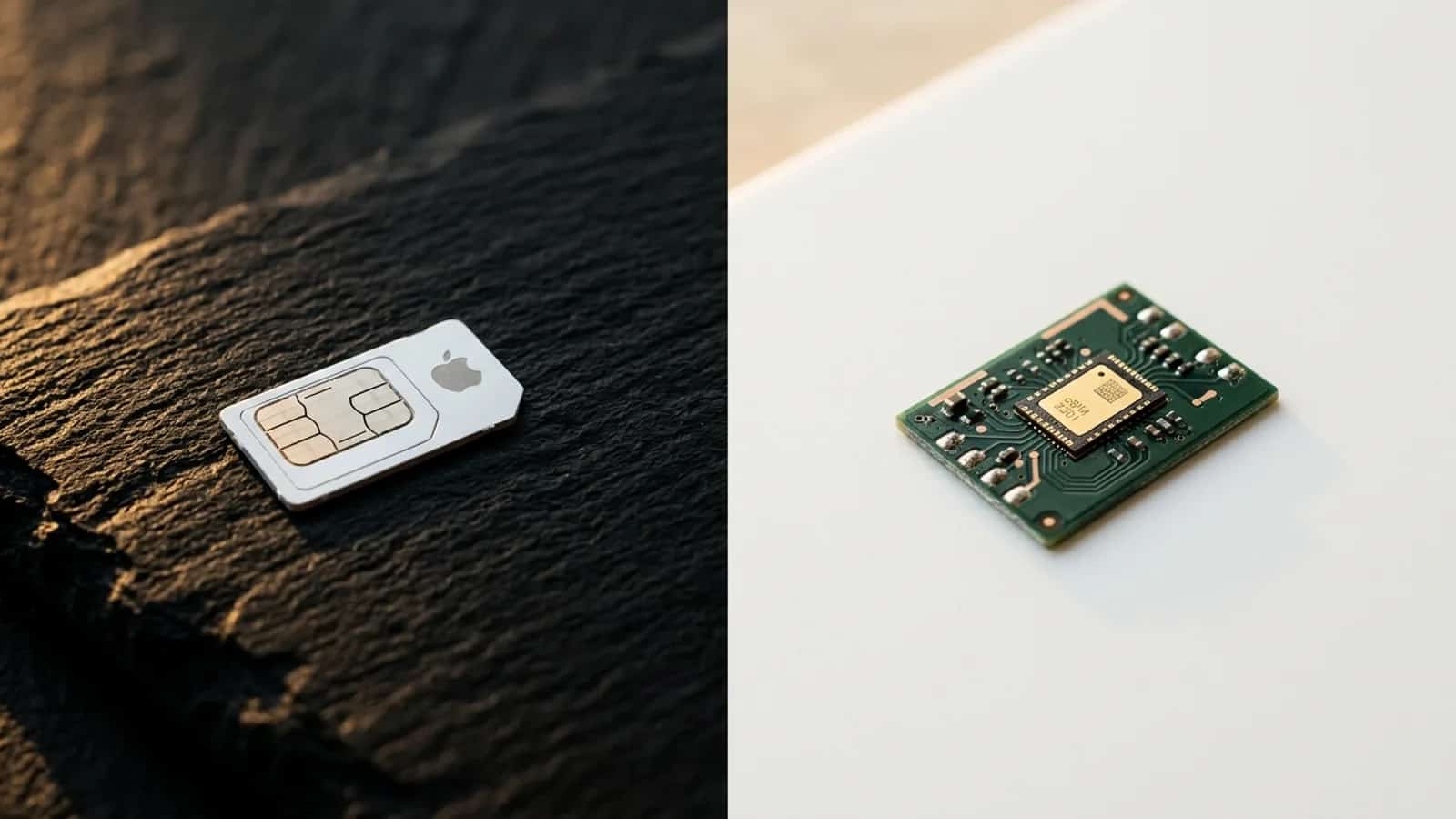
The good news is that this is not a binary choice. Most modern phones support both technologies side by side: keep your home line on a physical SIM and add an eSIM for travel data. You get the resilience of physical SIM and the flexibility of eSIM at the same time. For a deeper side-by-side breakdown of the two technologies, see our guide on eSIM vs SIM card.
If you have a recent phone and you travel internationally even occasionally, getting comfortable with eSIM is worth the small effort. Start with a travel eSIM for your next trip while keeping your physical SIM in place at home. You will learn the workflow on a low-stakes use case, and you will have your home line untouched as backup. After one or two trips, you will know whether eSIM clicks for your style of travel — and you will have an informed answer instead of a guessed one.
The honest answer is that eSIM is better for most people most of the time — but knowing exactly when it is not better is what keeps you out of trouble on the road.
For most users with a phone from 2020 or later, yes — eSIM is faster to set up, more secure, and more flexible. But it is not strictly better in every scenario. If your phone breaks during a trip, a physical SIM you can move to a spare device is more resilient. The right answer depends on your use case, not a blanket comparison.
Device dependency. If your phone is damaged, lost, or out of battery, you cannot just transfer the SIM to another device the way you can with a physical card. For travelers without a backup phone, this is the single most important drawback to plan around.
On most smartphones released since 2020, yes. You can run your home carrier on the physical SIM for calls and SMS and run a travel data eSIM at the same time. You pick which line handles which function in settings. iPhones sold in the United States since the iPhone 14 are eSIM-only and do not have a physical SIM tray.
Once installed, eSIM works on cellular like any other line. Installation itself usually requires an internet connection — Wi-Fi or another active data connection — to download the profile. The practical fix is to install your travel eSIM before you leave home, so it is ready to activate when you land.
Generally, yes. eSIMs cannot be physically removed from a device, which makes them much harder to steal or use in SIM-swap fraud. They can also be deactivated remotely if your phone is lost. The trade-off is that you cannot move them around as easily — security and flexibility pull in opposite directions here.
Sometimes. Carrier eSIMs can usually be transferred with help from your carrier or via your phone's built-in transfer tools. Many travel eSIMs, however, are device-locked at activation and cannot be moved. If transferability matters for your use case, check the provider's policy before buying.
Usually yes. Even for a single trip, the time saved at the airport and the cost saved versus roaming typically outweigh the small learning curve. If your phone supports eSIM and you have Wi-Fi at home to install before you leave, it is hard to beat.
A factory reset normally wipes installed eSIM profiles. Most providers let you reinstall the profile from the original activation link or via support. Save your installation email and any QR code in a safe place so you can recover quickly if needed.
eSIM vs SIM card — A side-by-side technical comparison if you want the feature-by-feature breakdown
eSIM-compatible phones — Check whether your specific device supports eSIM before you commit
Simsima's eSIM catalog — Browse travel data plans for 200+ destinations whenever you are ready

Founder of Simsima. A passionate traveler based in Barcelona, he helps travelers stay connected without breaking the bank on roaming fees.
LinkedIn