-5% on your 1st eSIM
WELCOME5
Loading...
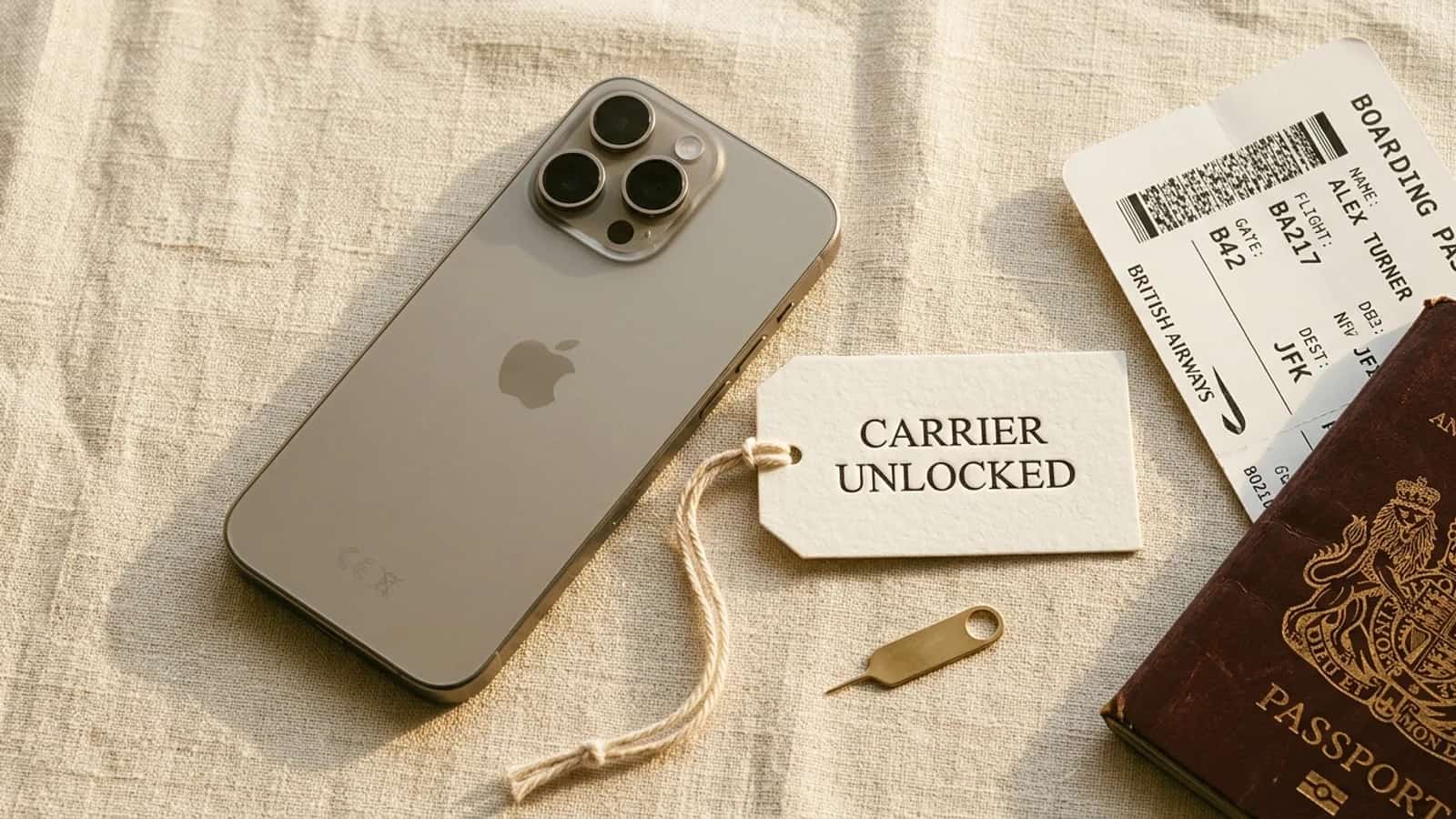
Learn how to unlock your iPhone for eSIM travel data, check carrier lock status, contact major carriers, and avoid unlock scams.
 Dimitri Morvan
A carrier-locked iPhone will often refuse to install a third-party travel eSIM, or install it and then fail to register on the foreign network. Before you fly out, take two minutes to confirm your iPhone is unlocked — and if it is not, the path to fix it is almost always free, runs through your original carrier, and takes a few business days. This guide walks through how to check your status, how to request an official unlock from T-Mobile, AT&T, Verizon, Vodafone, EE, and Orange, and how to verify the result before you install a Simsima eSIM.
When an iPhone is carrier-locked, the device is tied by software to a single mobile operator. It will only register on the network of that carrier, and any SIM or eSIM from a different network is rejected at the modem level. Carriers lock subsidized phones to recover the cost of the device through your monthly bill — once the device is fully paid off and you have completed the minimum service period, the lock is supposed to be removed.
A locked iPhone usually still installs an eSIM profile, but it cannot connect to the foreign carrier. You see the eSIM listed under your cellular plans, the signal indicator stays empty, and data never comes through. In some cases the eSIM installation itself is blocked with an activation error. Either way, the symptom looks like a broken eSIM, when the real problem is the lock.
iOS exposes the lock status directly. Open Settings, tap General, then About, and scroll down to the Carrier Lock field. There are two possible values you need to recognize.
If the Carrier Lock field is missing on older iOS versions, you can also test by inserting a physical SIM from a different operator: if you get a 'SIM not supported' message, the iPhone is locked. For eSIM-only iPhone 14 and later sold in the US, the Settings check is the only reliable method — there is no SIM tray to test.
This trips up a lot of travelers. US models of the iPhone 14, 15, 16, and 17 ship without a physical SIM tray and rely entirely on eSIM. People often assume that 'eSIM-only' means the device is automatically unlocked. It does not. An iPhone 14 bought on a T-Mobile installment plan is eSIM-only and carrier-locked at the same time — the absence of a tray does not change Apple's software policy. The Carrier Lock field in Settings still applies, and you still need to request an unlock from the carrier that financed the device.
Every legitimate iPhone unlock has to come from the carrier that locked it. There is no Apple-side override and no jailbreak path that works on current iOS versions. Each carrier has its own eligibility rules — usually a combination of account age, payment history, and whether the device is fully paid off. Once you meet the criteria, you submit a request and the carrier pushes the unlock to Apple's activation servers within a few days.
Carrier unlocks are free in most jurisdictions once you meet the eligibility window. In the US, the major operators are bound by the CTIA Consumer Code for Wireless Service, which commits them to unlock eligible devices at no cost. In the EU and the UK, regulators take a similar line. If a carrier representative tries to charge you for an unlock and your device is eligible, push back or escalate — the fee is almost never legitimate for an eligible device.
Travel eSIM providers run on local carrier networks in the destination country. A T-Mobile-locked iPhone trying to install a Japanese eSIM is asking the modem to register on a network that is not T-Mobile, which is exactly what the lock prevents. Even when the eSIM profile installs cleanly, the data session never opens. This is the most common 'my eSIM does not work' support ticket, and it almost always traces back to a carrier lock that was never removed.
Browse Simsima eSIM plans — instant activation, local Tier-1 networks, no contract.
Once the lock is gone, the experience flips. You buy a plan from Simsima, receive a Smart Link by email, tap it on your iPhone, and the eSIM installs in one step. No QR code, no manual APN, no carrier app. You land in the destination, switch the line on under cellular settings, and your iPhone registers on the local network within seconds.
Unlocking removes the carrier lock — it does not change the physical hardware inside your iPhone. A few situations stay unaffected by an unlock and are worth understanding before you assume the lock was the problem.
Carriers usually email or text you within 2 to 7 business days to confirm the unlock has been applied. Once you get that confirmation, verify it on the device itself rather than trusting the message alone. Go back to Settings, General, About, and check that Carrier Lock now reads 'No SIM restrictions'. If it still says 'SIM locked', power-cycle the iPhone, connect to Wi-Fi, and check again — sometimes the activation server push takes a few minutes to propagate after restart.
Once the field reads 'No SIM restrictions', the cleanest final test is to install a real travel eSIM. Buy a small plan for your destination from Simsima's eSIM catalog, open the Smart Link on your iPhone, tap to install, and confirm that the new line appears under Settings, Cellular. If you want to walk through the install path in detail, the eSIM for iPhone guide covers each screen with annotated steps.
Search results for 'unlock iPhone' are flooded with sites offering paid unlocks for $20 to $200, often promising results in hours. For modern iPhones running iOS 14 or later, the only unlock that actually works is the official one pushed by your carrier to Apple's activation servers. Third-party sites either re-sell what you can request yourself for free, or charge you for nothing at all.
A used iPhone can show 'SIM locked' even if the seller swore it was unlocked. The carrier lock is tied to the device's IMEI, not the seller's account, and if the original owner never completed the unlock process the device stays locked. Run the Carrier Lock check before you pay. If the device is locked, you will need to identify which carrier locked it — usually printed on the original box, listed in any prior activation receipt, or visible through the carrier's IMEI status page. Then follow that carrier's unlock procedure. If the device was reported lost or stolen, no unlock is possible, and Apple's activation servers will refuse any new line.
Open Settings, tap General, then About, and scroll to the Carrier Lock field. 'No SIM restrictions' means unlocked. 'SIM locked' means you need to request an unlock from the carrier that sold or financed the device.
Sometimes the eSIM profile installs, but the iPhone will refuse to register on the foreign network because of the lock. In practice, a carrier-locked iPhone will not work with a third-party travel eSIM. Unlock the device first.
No. US iPhone 14, 15, 16, and 17 models have no SIM tray, but they can still be carrier-locked if they were bought on an installment plan or carrier subsidy. Check the Carrier Lock field in Settings to confirm.
Most US and EU carriers process unlock requests within 2 to 7 business days once you are eligible. Verizon postpaid devices auto-unlock 60 days after activation with no request needed.
Yes. Carrier unlocking is legal in the US, the UK, the EU, and most other markets, provided you own the device and meet the carrier's eligibility window. Carriers are required to process eligible unlock requests.
Almost always no. For modern iPhones, only the carrier that locked the device can issue a valid unlock, and the carrier does it for free when you are eligible. Paid services either re-sell that same request or deliver nothing.
Restart the iPhone with Wi-Fi connected so it re-checks Apple's activation server. If the field still shows 'SIM locked' after a restart, contact the carrier and ask them to re-push the unlock to Apple — sometimes the first request does not propagate.
Yes. Once your iPhone shows 'No SIM restrictions', any Simsima eSIM will install via Smart Link in one tap and register on the destination carrier as soon as you arrive.
eSIM for iPhone — full compatibility guide — Covers every iPhone model that supports eSIM and how to install a profile
eSIM-compatible phones — Check whether your device supports eSIM before buying a plan
Browse Simsima eSIM plans — Travel eSIM plans available for instant Smart Link installation once your iPhone is unlocked

Founder of Simsima. A passionate traveler based in Barcelona, he helps travelers stay connected without breaking the bank on roaming fees.
LinkedIn